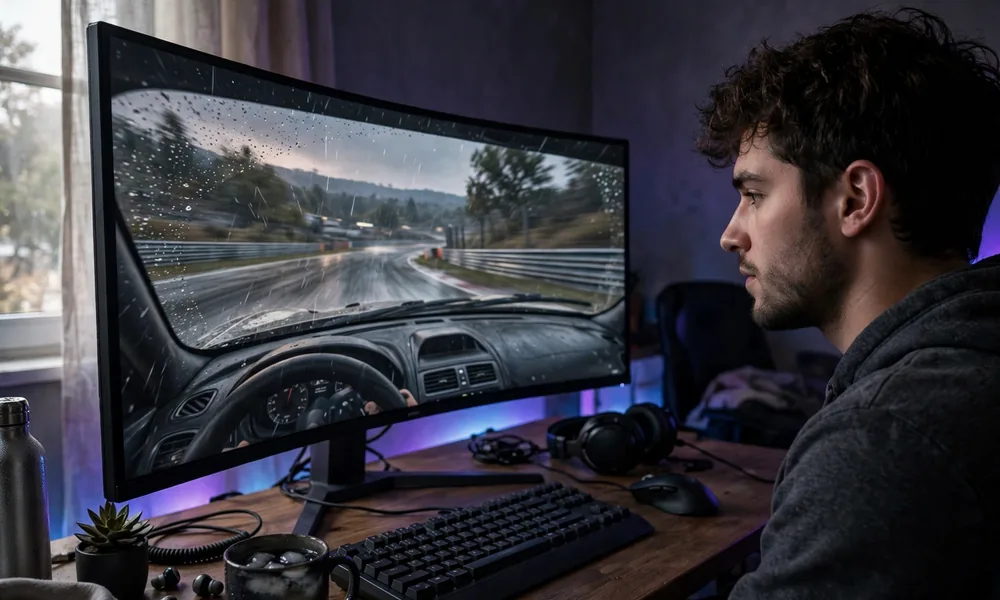
My nephew invited me to watch him play a racing game, and I spent the first ten minutes looking at the screen instead of the race. The monitor was enormous and curved, like a slice of a cinema screen that had wandered into a bedroom, and the cars on it looked so sharp that I could see the stitching on the steering wheel. When I asked him what made it special, he pointed at the box, which was covered in numbers: hertz, milliseconds, nits, and a resolution written like a postcode. He knew what they meant. I did not,
A luxury gaming monitor is a strange object. It is a television that decided to become a precision instrument, and its spec sheet reads like the service manual for a racing car. The numbers matter more here than they do on an ordinary screen, because games move fast and the eye notices every stutter, smear and delay. But the sheet is not written to be understood. It is written to be admired, and admiration is a poor way to spend two thousand dollars. This guide translates the sheet, line by line, into plain language.

The three numbers that decide how a game feels
Resolution is the first number everyone quotes, and it is the simplest to understand. It counts the tiny dots of light, called pixels, that make up the picture. A monitor described as 4K packs roughly four thousand pixels across its width, which is why the image looks so crisp up close. More pixels mean finer detail, but they also mean the computer behind the monitor has to work much harder, because it must calculate every one of those dots many times a second. That is why a beautiful monitor paired with a modest computer can feel slower than a simpler screen. The two have to match.
Refresh rate is the number that decides how smooth motion looks, and it is measured in hertz. A monitor rated at 144 hertz redraws the picture 144 times every second, while a 240 hertz panel does it 240 times. Your eye notices the difference most in fast games, where a racing car or a turning character stays sharp instead of smearing across the screen. High refresh rates are the reason professional players insist on them, How a luxury gaming monitor works explains the electronics behind that smoothness, from the graphics card to the glass.
Response time is the third member of the trio, and it measures how quickly a single pixel can change from one colour to another. It is measured in milliseconds, and smaller is better. A slow pixel leaves a faint trail behind a moving object, a flaw gamers call ghosting, Luxury panels quote one millisecond, and that figure is usually measured under ideal conditions, so treat it as a promise of intent rather than a laboratory fact.
The spec table, line by line
| Specification | Typical luxury figure | What it means |
|---|---|---|
| Resolution | 3,840 by 2,160 pixels, known as 4K | More pixels mean a sharper, more detailed picture. |
| Refresh rate | 144 to 240 hertz | How many times per second the picture is redrawn. |
| Response time | 1 millisecond, grey to grey | How fast a pixel changes colour; faster means less blur. |
| Panel type | OLED or fast IPS | OLED gives perfect blacks; IPS gives wide viewing angles. |
| Brightness | 400 to 1,000 nits peak | Higher nits mean brighter highlights and better HDR. |
| Colour coverage | 98 percent of DCI-P3 | How much of the cinema colour range the screen can show. |
| Curvature | 1000R to 1800R on curved models | A tighter curve wraps the picture around your view. |
Panel type is where the sheet starts to sound like chemistry, but the choice is simpler than it looks. OLED panels light each pixel on their own, so a black pixel is truly switched off, and night scenes look deep and real instead of washed grey. Fast IPS panels cannot match that darkness, but they keep their colours true when you look at the screen from an angle,
Brightness and colour are the pair that decide whether a game looks pretty or merely bright. Brightness is measured in nits, and the peak figure describes how bright the highlights can flash in a high dynamic range scene, like sunlight glinting off a car bonnet. Colour coverage describes how much of the colour range used in cinema the panel can reproduce, and a figure near one hundred percent of the DCI-P3 range means rich reds and greens that a cheaper screen simply cannot paint.
Choosing the right monitor for your games
Match the monitor to the games you actually play. Fast competitive games reward refresh rate and response time above all else, so a 240 hertz panel with a one millisecond response is money well spent, even if it means giving up some resolution. Slow, beautiful adventure games reward resolution, colour and brightness instead, because you will spend hours looking at landscapes rather than flicking between targets.
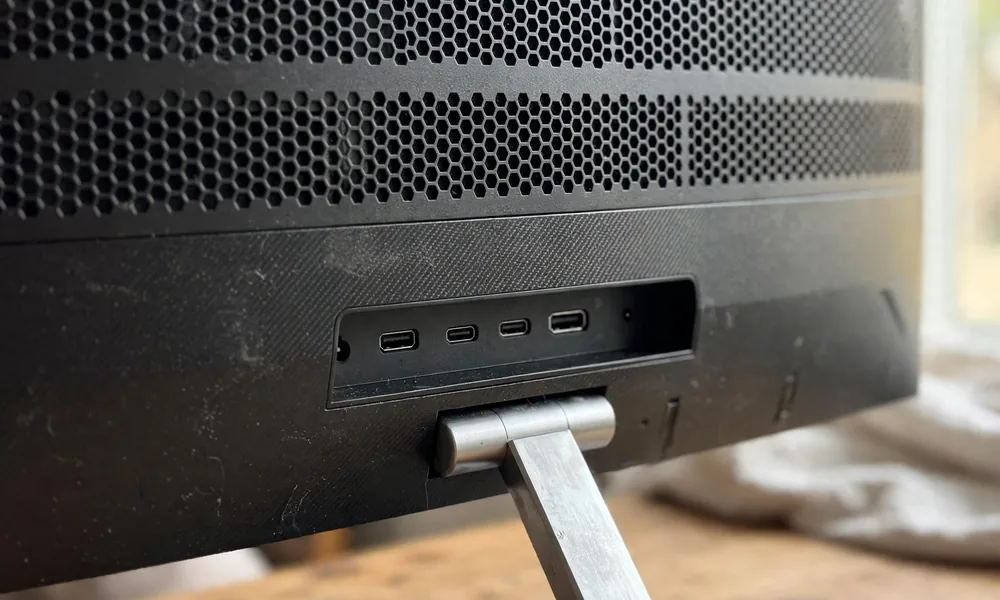
Do not forget the connections on the back of the screen. A modern luxury monitor needs the right ports to receive everything your computer can send, and an older port can quietly throttle a brand new panel, leaving its best numbers unreachable. Check that the monitor has the fast video inputs your graphics card uses, and that it supports the variable refresh technology that stops the picture tearing when the game and the screen fall out of step. The story of how a luxury gaming monitor is made shows how much engineering goes into those ports and the slim stand that holds the whole screen steady.
What a luxury gaming monitor costs, roughly
Prices are estimates, and they move quickly in this market. A luxury gaming monitor typically costs somewhere in the region of eight hundred to two thousand five hundred dollars, with the largest curved OLED flagships reaching three thousand dollars or more. The money goes into the panel itself, which is the most expensive part by far, and into the fast electronics that drive it, the sturdy stand, and the cooling that keeps a bright screen from dimming under load.
Here is a rare fact that still catches people out. The first computer monitors were not built for games at all, and for years the best screens in the world were made for offices, where the only demand was that text stayed readable for eight hours. Gaming dragged the whole industry forward, and today the fastest, brightest and most colourful screens ever made exist because players demanded them. The office inherited the leftovers of that race, which is a pleasing reversal: the games came first, and the spreadsheets followed.
The short version to carry into the shop
Read the sheet in this order. Resolution first, because it sets the detail. Refresh rate second, because it sets the smoothness. Response time third, because it sets the clarity of motion. Panel type fourth, because it sets the darkness and the viewing angle. Brightness and colour last, because they set the beauty. Then sit in front of the monitor, play something fast, and watch the edges of moving objects. If they stay sharp and the colours stay rich, the numbers were telling the truth. For the computer that feeds all of this, see how a luxury gaming laptop works and notice how its graphics hardware and this screen are really two halves of one machine.


