The box on the desk looked like any other keyboard, until the owner pressed a key and the whole room heard it. The sound was deep and solid, like a knuckle tapping on a wooden table, and the key travelled down smoothly and came back up with a small, confident snap. A friend tried it, then tried their own keyboard, and the difference was obvious in a single press. One felt like a tool made for typing; the other felt like a toy made to look like one.
That difference is what a luxury gaming keyboard spec sheet is trying to describe. The numbers look like jargon — switch types, actuation force, polling rates — but each one describes a real feeling under the fingers, a real speed advantage in a game, or a real reason the keyboard costs ten times more than a basic one. This guide translates every figure into plain English.
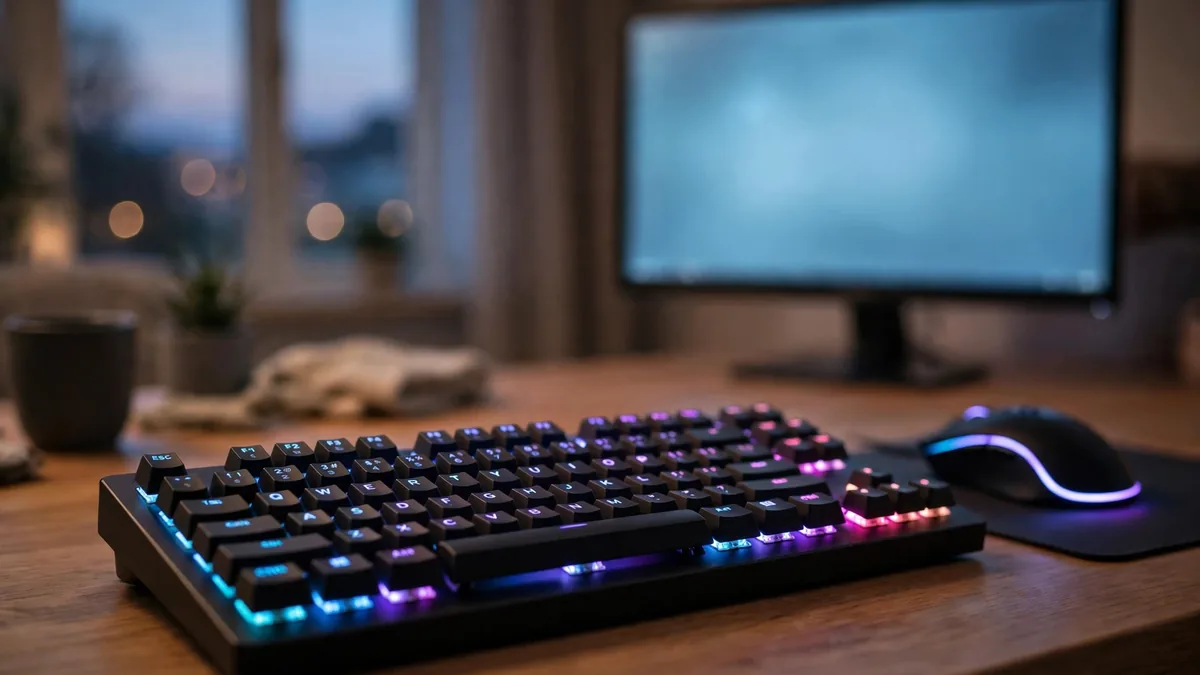
Switch type: the heart of the keyboard
Switch type is the most important specification on any mechanical keyboard, because the switch is the small mechanism under each key that decides how the key feels and sounds. A luxury gaming keyboard usually uses linear switches, which travel straight down with no bump, or tactile switches, which give a small bump halfway down so the finger knows the key has registered. The switch also decides the sound: some click loudly, some thock softly, and the quietest ones are built for players who share a room.
Switches are made by a handful of specialist factories, and the best ones are lubricated by hand and tested one by one before they are fitted. A cheap switch can feel scratchy or wobbly, while a good one feels smooth from the first millimetre to the last. The guide to how a luxury gaming keyboard works explains how the switch, the stabilisers, and the circuit board work together to turn a press into a signal.
Actuation force: how hard you must press
Actuation force is measured in grams, and it tells you how much pressure a key needs before it registers. A luxury gaming keyboard usually offers switches rated between 45 and 60 grams, with lighter switches around 45 grams for fast games and heavier switches around 60 grams for players who rest their fingers on the keys. The difference of fifteen grams sounds tiny, but over thousands of presses in a long gaming session it decides whether the fingers feel fresh or tired.
Polling rate: how often the keyboard talks to the computer
Polling rate is measured in hertz, and it tells you how many times per second the keyboard reports its keys to the computer. An ordinary keyboard polls at 125 hertz, which means it checks in eight times a second, while a luxury gaming keyboard usually polls at 1,000 hertz, checking in a thousand times a second. The practical result is a delay of one millisecond instead of eight, which is a difference a competitive player can feel in a fast game.
Keycaps: the part the fingers actually touch
Keycaps are the small covers on top of each switch, and a luxury keyboard usually uses keycaps made from PBT plastic, which is harder and more textured than the cheaper ABS plastic used on ordinary keyboards. PBT keycaps resist the shiny wear that appears on cheap keyboards after a few months of use, and they keep their texture and their legends, the letters printed on them, for years. The shape matters too: taller keycaps give the fingers more to grip, while sculpted profiles curve to fit the shape of the hand.
Some luxury keyboards use double-shot keycaps, where the letter is moulded from a second piece of plastic rather than printed on the surface, so it can never wear off. Others use metal keycaps for a few special keys, which feel cold and heavy under the finger. The guide to luxury gaming PC specs explained covers the machine the keyboard plugs into, and the comparison shows how the keyboard is the one part of the setup the player touches for every single action.
Build and materials: the case that kills the rattle
The case is the body of the keyboard, and a luxury keyboard usually uses an aluminium case, sometimes machined from a single block of metal, instead of the plastic shell of a cheap keyboard. The metal case adds weight, often one and a half kilograms or more, and that weight is a feature: a heavy keyboard stays put on the desk during fast play, and the solid case stops the hollow rattle that makes cheap keyboards sound thin. Inside, layers of foam and silicone dampen the sound further, tuning the keyboard to a deep, satisfying thock.

Backlighting and connection: the numbers around the edges
Connection is usually a wired USB cable, because a cable gives the lowest delay and never needs charging, though many luxury keyboards also offer a wireless mode over a 2.4 gigahertz dongle with a delay almost as low as the cable. Battery life in wireless mode is usually between 100 and 200 hours with the lighting off, and much less with it on, which is why most players keep the cable plugged in during a serious session. The guide to how a luxury smart ring works shows how the same low-delay wireless engineering is squeezed into a device far smaller than a keyboard.
The numbers at a glance
| Specification | Typical gaming keyboard | Top gaming keyboard |
|---|---|---|
| Switch type | Linear | Hand-lubed linear |
| Actuation force | 50 g | 45 g |
| Actuation point | 2.0 mm | Adjustable |
| Polling rate | 1,000 Hz | 8,000 Hz |
| Keycaps | PBT | Double-shot PBT |
| Case | Plastic | CNC aluminium |
| Layout | Full-size | 65 per cent |
| Backlighting | Per-key RGB | Per-key RGB |
| Weight | 900 g | 1,600 g |
What a luxury gaming keyboard costs
A luxury gaming keyboard costs an estimated 200 to 400 dollars off the shelf, and an estimated 600 dollars or more for a hand-built custom board with a machined aluminium case, hand-lubricated switches, and double-shot keycaps. The switches and the case are the largest costs, followed by the circuit board and the keycaps, and a fully custom board can take weeks to build because the switches are tuned one by one. It is a lot of money for a keyboard, but it is the one part of a gaming setup that the hands touch for every minute of every game.
A rare fact
Some of the most expensive gaming keyboards in the world are built with switches that were originally designed for cash registers and industrial machines in the 1980s, and the factories that made them stopped production decades ago. Collectors now pay hundreds of dollars for a single bag of those old switches, because they feel smoother than anything made today. The strangest detail is that the keyboards built from them are often used by players half the age of the switches themselves, who prize a mechanism older than they are.

The next time a gaming keyboard spec sheet lists its numbers, read them as a description of a feeling, not a list of parts. The switch buys the sound, the polling rate buys the speed, the case buys the solidity, and the keycaps buy the years. A luxury gaming keyboard will never make a bad player good, but its spec sheet is an honest document: it tells you, in plain numbers, exactly what your fingers are about to feel.


