Walk into a large modern home and you will probably not notice the Wi-Fi at all, which is exactly the point. The video call does not freeze in the far bedroom, the film streams in the garden room without a stutter, and nobody in the house has to stand in a particular corner of the kitchen to get a signal. Behind that invisible comfort sits a small, quiet box, and in a luxury home there are usually two or three of them, working together as one network.
That box is a luxury mesh router, and its specification sheet can look like a foreign language. Wi-Fi 7, tri-band, backhaul, MU-MIMO, OFDMA, 10-gigabit ports, mesh nodes, coverage in square feet. Each number matters, but only if you know what it is measuring. This guide explains a luxury mesh router in plain English, so you can read the specs like a person who knows what they are buying, and not like a person who is guessing.

How It Works
1. One network, several boxes working together
A traditional router is a single box that shouts Wi-Fi from one place, and the signal gets weaker the further you walk away from it. A mesh system replaces that single shout with a conversation. One main router connects to your internet line, and one or two satellite units, called nodes, sit in other rooms. Together they form a single network with one name and one password, and your phone moves between them without you ever noticing the handover.
The trick is that the nodes talk to each other as well as to your devices. When you walk from the living room to the bedroom, your phone quietly hands over to the nearest node, instead of clinging to a weak signal from far away. In a large house with thick walls, stone floors and several levels, that handover is the difference between Wi-Fi that works everywhere and Wi-Fi that works only near the router. The way a luxury mesh router is made shows how those nodes are built to look like furniture rather than computer equipment, so they can sit on a shelf in plain sight.
3. Tri-band, quad-band and the private road between nodes
A mesh router sends your data on radio bands, usually 2.4 GHz, 5 GHz and, on newer models, 6 GHz. The 2.4 GHz band travels furthest and passes through walls best, but it is slower and more crowded. The 5 GHz band is faster but reaches less far. The 6 GHz band is the newest and fastest, but it works best over short distances with a clear line of sight.

4. Speed numbers, and why the real one is smaller
Router boxes love big numbers. You will see figures like 21,000 Mbps or 27,000 Mbps, and they sound enormous. Those figures are the combined maximum speed of every band added together, under perfect laboratory conditions, with no walls, no neighbours and no other devices in the way. No single device will ever reach that number, and your home will never be a laboratory.
5. Coverage, MU-MIMO and handling a house full of devices
Coverage is usually quoted in square feet, and a luxury three-node system will often claim 7,500 square feet or more. Treat that figure as a best case, measured in open space. Thick stone walls, concrete floors, metal-framed windows and even a large aquarium can cut the real coverage, which is why luxury systems are sold with extra nodes and why installers test the signal in each room rather than trusting the box.
Two technologies do most of the heavy lifting when many devices are connected. MU-MIMO lets the router talk to several devices at the same time instead of one after another, and OFDMA splits each radio channel into smaller pieces, so small messages from smart home gadgets do not have to wait behind a large video stream. Together they are why a luxury mesh network can keep a doorbell camera, a dozen smart lights, three televisions and a video call all running at once. In practice, that is what a family notices: the call that does not drop, the film that does not buffer, and the camera that never goes offline. A similar demand for quiet, reliable performance shows up in other premium home technology, and the way a luxury car heads-up display works shows how a complex system is designed to feel simple to the person using it.
6. Ports, security and the app that runs it all
Look at the back of a luxury mesh router and you will find Ethernet ports for wired connections, a port for the internet cable, and usually a USB port for sharing a drive or a printer. Wired connections are still the fastest and most reliable way to connect a television, a games console or a desktop computer, and a luxury system gives you enough ports to do that properly, often with at least one 10-gigabit port and several 2.5-gigabit ports.
Security is built in rather than added on. A good system updates itself automatically, encrypts the network with the latest WPA3 standard, offers a separate network for guests and smart home gadgets, and includes parental controls and content filtering. The companion app is where you see all of this, with a map of your network, the speed of each device, and alerts when something new joins. A luxury router is not just faster hardware, it is hardware that looks after itself, so the owner never has to think about it. Fast storage matters just as much when that network is moving large files around the house, and the luxury portable SSD specs explained guide shows what to look for when speed is measured in real use rather than on a box.
| Specification | Typical luxury mesh router |
|---|---|
| Wi-Fi standard | Wi-Fi 7, backwards compatible with Wi-Fi 6 and 5 |
| Bands | Tri-band or quad-band, 2.4 GHz, 5 GHz and 6 GHz |
| Combined speed | About 21,000 to 27,000 Mbps, total across all bands |
| Backhaul | Dedicated band for node-to-node traffic |
| Coverage | About 7,500 sq ft with three nodes, less through thick walls |
| Wired ports | 10-gigabit WAN, plus 2.5-gigabit LAN ports |
| Security | WPA3, automatic updates, guest and smart home networks |
| Devices supported | 200 or more, with MU-MIMO and OFDMA |
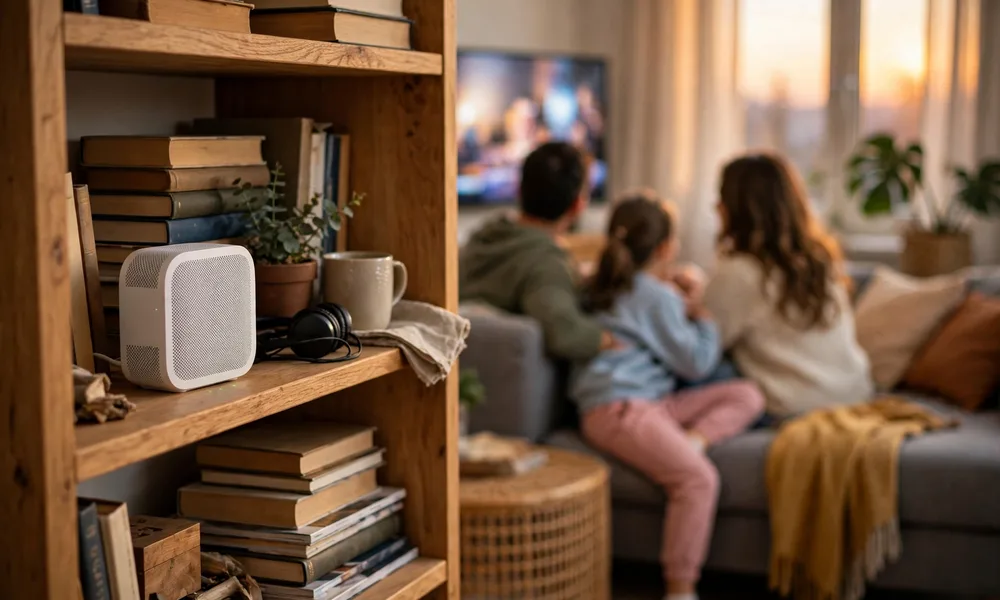
A luxury mesh router system costs an estimated $800 to $2,500 for a three-node set, depending on the Wi-Fi standard, the number of bands, the wired ports and the brand. Professional installation, extra nodes for very large homes, and a faster internet line can add to that figure. The price is best judged not by the headline speed on the box, but by whether the signal reaches every room, stays steady when the whole family is online, and keeps working without anyone in the house having to restart it. That steadiness is the real luxury, and it is the part you notice only when it is gone.
Here is a rare fact worth knowing. The word mesh comes from the way the nodes connect to each other, not just to the main router. If one node fails or is unplugged, the others can reroute their traffic around it, like cars finding another road when one street is closed. That self-healing habit is borrowed from military and emergency networks, where a single failure must never bring the whole system down, and it is the quiet reason a good mesh network feels so reliable in an ordinary home.


