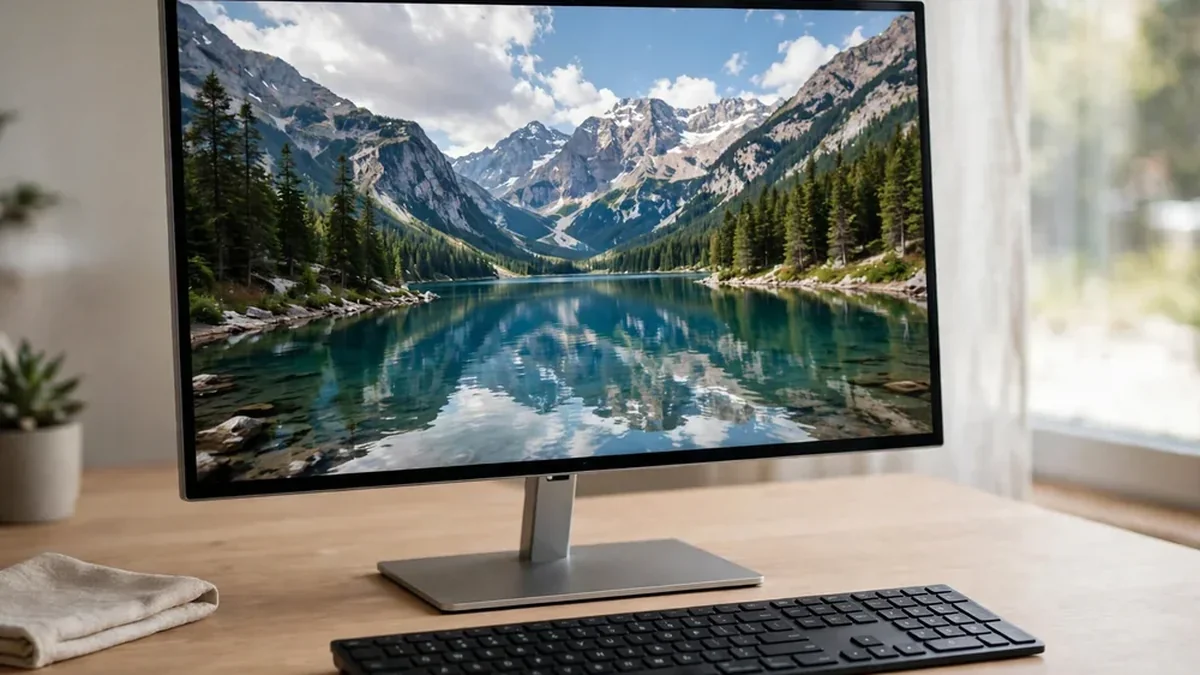
The monitor on the desk looked like a sheet of black glass until it woke. Then the photograph on the screen, a mountain lake at dawn, was so sharp and so bright that the real window beside it looked dull by comparison. I leaned closer, and the image did not break into dots. It stayed smooth, the colours stayed true, and the light seemed to come from inside the picture rather than from a bulb behind it.
A luxury monitor is not a bigger screen with a nicer stand. It is a precision instrument, built to show colour the way a camera captured it, to move without blur, and to stay comfortable through a long day of work. The specification sheet is full of numbers that sound alike, and most of them are easy to misread. This guide walks through size and resolution, brightness and contrast, colour, refresh rate, and the panel itself, so you can read the sheet the way a photographer would.
Size and Resolution: How Sharp Is Sharp
The headline numbers are size and resolution, and a luxury monitor is usually 27 to 32 inches across, with a resolution of 3,840 by 2,160 pixels, known as 4K. The figure to check is pixels per inch, usually 130 to 160 at this level, and it decides whether text looks like print or like a newspaper photograph.
An ultrawide is a joy for video editing and a nuisance for a video call, because the camera sees a wide strip of desk, so the choice depends on the work. The curvature is a third figure on some models, measured as a radius, and a gentle curve wraps the screen around the viewer, which helps on a very wide panel and does nothing on a small one.
Brightness and Contrast: Light and Dark
Brightness is measured in nits, and a luxury monitor reaches 400 to 1,000 nits, which means it stays readable in a bright room and can show a sunlit scene the way it looked. The everyday figure is closer to 400 nits, and that is the one that decides whether the screen feels bright or dim.
Contrast is the ratio between the brightest white and the darkest black, and it is where the panel type matters most. An OLED panel can turn each pixel off completely, so its black is truly black, and its contrast is effectively infinite, while a liquid crystal panel must block a backlight, so its black is a very dark grey. The difference is visible in a night photograph, where an OLED screen shows stars against black sky and a liquid crystal screen shows stars against grey. The same thinking about screens and sensors appears in larger devices, and the luxury tablet specifications explained shows how a smaller panel makes the same trade in a device you hold in your hands.
Colour: The Numbers That Decide Truth
Colour is the heart of a luxury monitor, and it is measured in two ways. A monitor that covers DCI-P3 can show the deep reds and greens of a film, while one that only covers sRGB will show them as duller versions of themselves.
The panel is usually an OLED or a mini-LED liquid crystal display, and the choice is a trade. OLED gives perfect blacks and instant response, but it can suffer from burn-in if the same image stays on screen for months, while mini-LED gives very high brightness and no burn-in, but its blacks are not quite as deep. The bit depth is a third figure, usually 10 bits, which means the screen can show more than a billion colours, and the difference from 8 bits is visible in a sky at sunset, where 8 bits show bands of colour and 10 bits show a smooth gradient. The folding cousin of this screen makes the same trade in a harder package, and the foldable display specifications explained shows how a screen that bends changes the same numbers.
Refresh Rate and Response: Motion Without Blur
A higher rate makes motion look smoother, which matters for games and for video, and it makes the mouse feel more precise, because the cursor moves in smaller steps. The number to watch is the adaptive rate, because a monitor that can drop to a low rate when you are reading a still page saves power and stays silent.
The response time is how quickly a pixel changes colour, measured in milliseconds, and a luxury monitor answers in one millisecond or less, which means a fast-moving object does not leave a ghost behind it. The connection matters too, because a 4K screen at 240 hertz needs a modern port, usually DisplayPort 2.1 or HDMI 2.1, and an old cable will quietly limit the monitor to a slower rate.
The Stand, the Ports and the Build
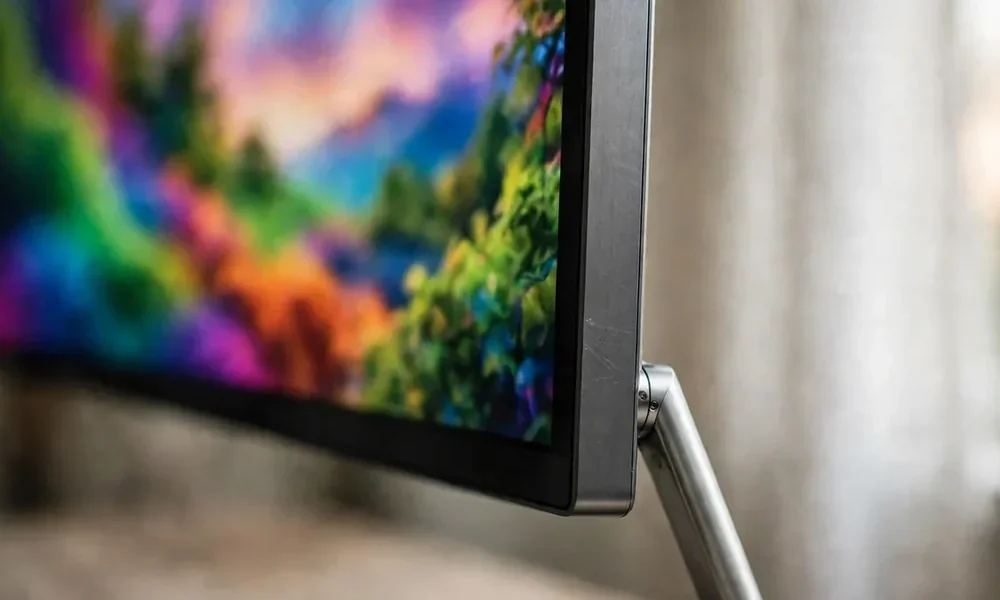
The stand is the part of the specification sheet that most people skip, and it is the part they will touch every day. A luxury monitor stand adjusts in height, tilts, swivels, and rotates into portrait mode, and it does so smoothly, without wobble, because the screen is heavy and a cheap stand will sag.
The build is the last check, and it is where the luxury shows. The frame is aluminium, not plastic, the back is clean, and the bezels, the borders around the screen, are thin enough that two monitors side by side look like one wide screen. The power supply is internal, so there is no brick on the floor, and the screen is coated to cut reflections, because a glossy screen in a bright office is a mirror. The craft of putting such a device together is shown in how a luxury laptop works, which follows the screen, the chip, and the battery from the factory to the finished machine.
The Numbers That Matter
| Specification | Typical luxury monitor |
|---|---|
| Size | 27 to 32 inches |
| Resolution | 3,840 by 2,160 pixels, 4K |
| Panel | OLED or mini-LED, 10-bit colour |
| Brightness | 400 to 1,000 nits peak |
| Colour gamut | 99 percent DCI-P3 |
| Colour accuracy | Delta E below 2, factory calibrated |
| Refresh rate | 120 to 240 Hz, adaptive |
| Response time | 1 millisecond or less |
| Ports | HDMI 2.1, DisplayPort 2.1, USB-C |
Read the sheet the way a photographer would: start with the colour accuracy and the gamut, then the panel and the brightness, and only then the size and the refresh rate. A monitor that shows true colour is a better tool than a bigger monitor that does not, because the work on the screen is only as good as the screen itself. The stand is the last check, because a screen that cannot be set at eye level will hurt your neck, and no resolution can fix that.

Price, and What You Are Really Paying For
The difference from a normal monitor is not one part but all of them at once: the panel, the colour calibration, the brightness, and the stand. The panel and the calibration are the two most expensive parts, and the ports, with their high-speed connections, are not far behind.
A Rare Fact Worth Knowing
Here is the detail that surprises almost everyone who buys one for the first time. The colour calibration of a luxury monitor is not done once in the factory and forgotten. The monitor in front of you is, in effect, a precision instrument that needs tuning, and the specification sheet is the only place the maker tells you exactly how far they went.


