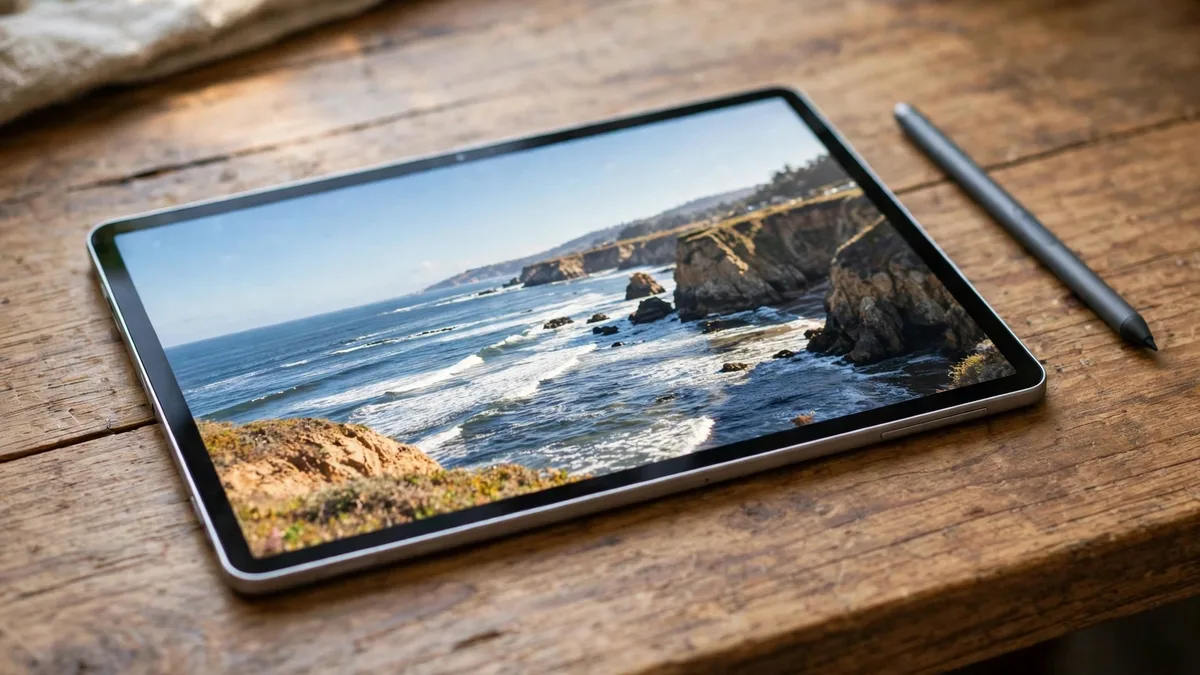
Pick up a luxury tablet and the first thing you notice is how little there is to it. No keyboard, no fan, no visible screws, just a slab of glass and metal that wakes the moment you touch it. Inside that thin slab, though, is a whole computer, a camera system, a speaker set and a battery, all packed into a space thinner than a pencil. A luxury tablet is an exercise in hiding complexity, and making it work takes some of the most precise engineering in the world.
Step 1: The processor does the thinking
At the centre of the tablet is a single chip, the system on a chip, which holds the processor, the graphics unit and the memory controller in one small square of silicon. It is the same idea as the chip in a phone, but scaled up: more cores for speed, a bigger graphics unit for games and drawing, and a dedicated unit for artificial intelligence tasks such as recognising handwriting or improving a photograph.
The chip is built on a process measured in nanometres, with billions of transistors packed onto a surface the size of a fingernail. It runs at several billion operations per second, yet it draws so little power that it can run all day on a battery, and it throttles itself down the moment it gets warm. The price of that silicon is a large part of what makes a luxury tablet dear, as the guide to why a luxury tablet is so expensive explains, because the fastest chips are also the hardest to make.
Step 2: The display turns signals into light
The screen is the part you look at most, so it gets the most attention. A luxury tablet uses a high-resolution display, often OLED or mini-LED, in which each pixel makes its own light or is lit by thousands of tiny LEDs behind it. The result is deep blacks, bright whites and colours that stay true at any angle, with a refresh rate high enough that scrolling and drawing feel as smooth as paper.
Above the display sits a layer that senses touch, a grid of transparent electrodes that detects your finger or stylus by the tiny change in electrical charge where you press. The stylus is tracked separately, with a sensor that reads its angle and pressure hundreds of times a second, so a light stroke makes a thin line and a hard press makes a thick one. The whole stack, glass, touch layer and display, is bonded together with no air gap, so the image looks as if it is painted on the surface.
Step 3: The battery powers everything, all day
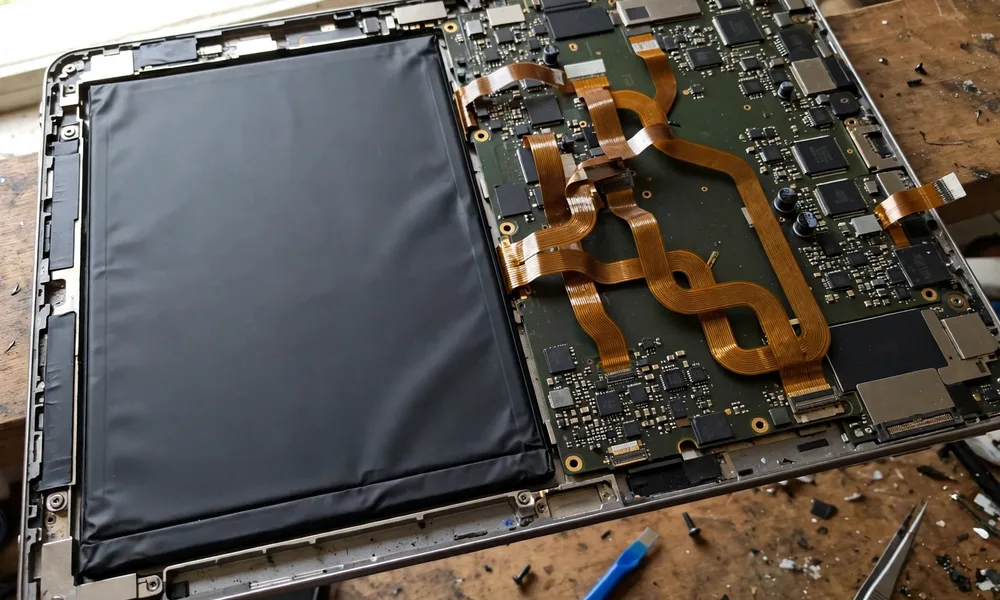
Behind the screen sits the battery, a flat lithium-polymer pack that fills almost the whole back of the tablet. It is shaped to fit around the chip and the cameras, and it is glued in place to save space, which is why the tablet is so thin.
Charging is done through a single port, usually USB-C, which also carries data and video, so one cable can charge the tablet, connect it to a monitor and transfer files at the same time. Wireless charging is fitted on some models, using coils behind the back panel, though it is slower than a cable. Small wearable devices face the same battery problem in a far smaller space, and the guide to how a luxury smartwatch works shows how engineers squeeze a day of power into a case the size of a coin.
Step 4: Cameras, speakers and sensors work together
A luxury tablet carries cameras front and back, and they do more than take photographs. The front camera handles video calls and face recognition, using an infrared projector to map your face in three dimensions, while the rear cameras take photographs and scan documents, with software that straightens the page and sharpens the text. The lenses are tiny, but the image processing behind them is enormous, with the chip correcting colour, noise and shake in real time.
Step 5: Wireless radios keep it connected
A tablet with no connection is just a picture frame, so the radios matter. Wi-Fi connects it to the internet at home and in the office, Bluetooth links it to headphones, keyboards and styluses, and a cellular modem on some models lets it work anywhere with a phone signal. The antennas are built into the metal frame itself, with small plastic lines that let the radio waves through, because a solid metal body would block them.
The tablet switches between networks without you noticing, handing a video call from Wi-Fi to cellular as you walk out of the house, and it can share its connection with other devices as a hotspot. Security is built in at the same level: the fingerprint or face data never leaves the device, and every file is encrypted on the disk. Tiny cameras built for action face the same wireless challenge in a tougher body, and the guide to how a luxury action camera works explains how they stay connected while being shaken, splashed and dropped.
Step 6: Software ties the hardware together
The last step is the software, and it is what makes the hardware feel simple. The operating system manages the chip, the battery and the radios, deciding which apps can run, how much power they may use, and when to put the tablet to sleep. It also runs the interface you touch: the home screen, the gestures, the split-screen multitasking and the handwriting recognition that turns your scribbles into text.
Specifications at a glance
| Feature | Typical luxury figure |
|---|---|
| Display | About 11 to 13 inches, OLED or mini-LED |
| Processor | Multi-core system on a chip, 3-nanometre class |
| Memory | About 8 to 16 GB RAM, 256 GB to 2 TB storage |
| Battery | About 10 hours of video playback |
| Cameras | Front and rear, with 3D face sensing |
| Weight | About 450 to 700 grams |
| Thickness | About 5 to 7 millimetres |
What it costs
A luxury tablet typically costs between about $800 and $2,500, and these are estimates, not fixed prices. The price rises with screen size, storage and cellular connectivity, and many buyers add a stylus, a keyboard cover and a case that push the total higher still. The tablet itself is only part of the cost: the software, the cloud storage and the apps add up over the years, but the hardware is built to last, with years of updates included.
A rare fact
The glass on a luxury tablet is not ordinary glass. It is chemically strengthened, with potassium ions swapped into its surface in a hot salt bath, squeezing the outer layer into compression so it resists scratches and cracks. A tablet dropped face-down can survive because the glass bends a fraction before it breaks, and some manufacturers add a second layer of sapphire-like coating to the camera lenses, which are the most exposed part of the whole device.
From a chip the size of a fingernail to glass strengthened in a salt bath, a luxury tablet works because thousands of small decisions were made to hide the complexity. The result is a slab of glass and metal that feels like magic, and that is exactly the point.


