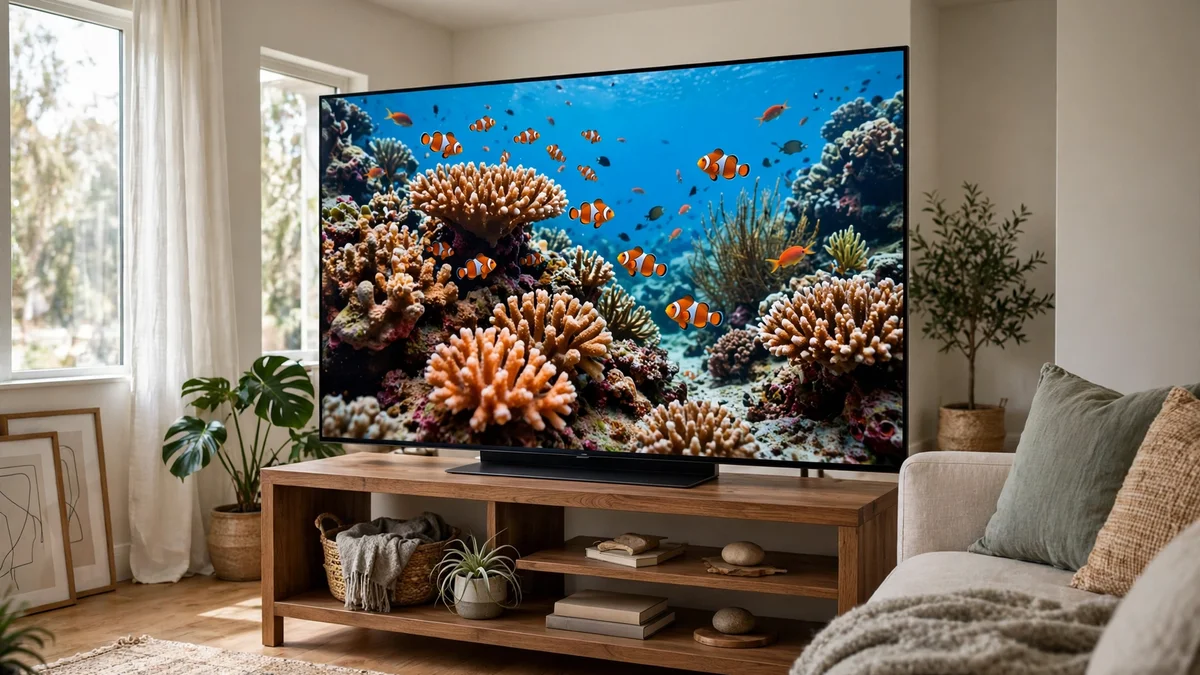
The nature documentary fills the screen and the reef looks impossibly alive. A fish flashes orange as it darts through the coral, the blue of the water deepens as the camera descends, and a single red anemone glows against the dark rock like a lamp. The difference is not the size of the screen or the number of pixels. It is something far smaller — dots so tiny that millions of them would fit on the head of a pin.
A quantum dot display makes its colours with nanocrystals, specks of semiconductor material so small that their size decides the colour they produce. A slightly larger dot glows red, a slightly smaller one glows green, and the tiniest glows blue. By choosing the size of the dots with atomic precision, engineers can build a screen that produces purer, richer colours than any display before it. This is how a handful of dust-sized crystals turns ordinary backlight into a picture that looks real.
How a Quantum Dot Display Works
Step 1: A blue backlight starts everything
Every picture on a quantum dot television begins as blue light. Behind the screen sits a layer of blue light-emitting diodes, a backlight that shines steadily and evenly across the whole panel.
Step 2: The quantum dot layer makes the colours
In front of the backlight sits the quantum dot layer, a thin film packed with billions of nanocrystals. When blue light strikes a dot, the dot absorbs it and re-emits light of a single, very precise colour — the colour decided by the dot’s size. Larger dots, around six nanometres across, glow red; smaller dots, around two nanometres across, glow green; and some of the blue light is allowed to pass straight through unchanged. How that film is made, dot by dot, is told in the guide to how a quantum dot display is made.

Step 3: The liquid crystal layer shapes each pixel
Colour alone is not a picture. In front of the quantum dot layer sits a liquid crystal layer, divided into millions of tiny subpixels, each with its own red, green or blue dot behind it. Each subpixel has a liquid crystal shutter that can open or close in response to an electric signal, letting more or less light through. By opening each red, green and blue shutter by just the right amount, the screen can mix any colour at any brightness, pixel by pixel, across millions of pixels at once.
Step 4: The pixels combine into an image
Each pixel on the screen is really three subpixels working together — one red, one green, one blue. The television’s processor decides the exact brightness of every subpixel for every frame, sixty times a second or more. A pixel that should be orange gets a bright red subpixel, a medium green one and a dark blue one; a pixel that should be deep ocean blue gets mostly blue. Your eye blends the three tiny lights into a single colour, and millions of those blended pixels become the picture. The more precise the colours coming from the dots, the more faithfully the screen can reproduce the colour the camera actually saw.
Step 5: Filters and polarisers clean up the light
Between the layers sit polarising filters and colour filters that keep the light tidy. The polarisers make sure the liquid crystal shutters can control the light properly, blocking light that is travelling in the wrong direction, and the colour filters sharpen each subpixel’s colour still further. These layers are only microns thick, but they are the difference between a display that looks good in a dark room and one that holds its colours in a bright living room. The factory story of the whole panel is explained in the guide to inside quantum dot display production.

Step 6: The processor directs every frame
Behind the panel, a processor works as hard as any computer chip. It takes the incoming video signal, scales it to the panel’s resolution, adjusts the brightness of the backlight zone by zone, and sharpens the picture without making it look artificial.
Step 7: The picture reaches your eye
The finished light leaves the front of the screen and travels to your eye, where your brain does the last part of the work. Because the quantum dots produce such pure colours, the screen can show a wider range of them — a wider colour gamut — than older televisions, including reds and greens that used to be impossible. The picture stays vivid even at high brightness, because the dots convert light efficiently instead of wasting it as heat. That is why a quantum dot display looks its best exactly where televisions are hardest to impress: in a bright room, in daylight, with the whole family watching. A different display technology takes a different path to the same goal, as the guide to the OLED display panel explains.
Quantum Dot Display at a Glance
| Specification | Detail |
|---|---|
| Colour source | Semiconductor nanocrystals, two to six nanometres across |
| Backlight | Blue light-emitting diodes behind the panel |
| Colours produced | Red from larger dots, green from smaller dots, blue passed through |
| Colour range | Far wider colour gamut than standard LED televisions |
| Brightness | Very high peak brightness, colours stay vivid in bright rooms |
| Pixel control | Liquid crystal shutters, one per red, green and blue subpixel |
| Lifespan | Long, with no burn-in risk from static images |
| Main uses | Televisions, computer monitors, premium laptops and tablets |
What Does It Cost?
Quantum dot televisions sit in the premium range, above ordinary LED sets but below the most expensive OLED screens. As rough estimates, a 55-inch quantum dot television typically costs $700 to $1,400, a 65-inch model runs from about $1,000 to $2,000, and a flagship 75-inch or larger set can be estimated at $2,000 to $4,000. Computer monitors with quantum dot panels are cheaper, typically estimated at $300 to $900 depending on size and refresh rate. Those figures are estimates, not quotes — the real number depends on the brand, the size, the backlight technology and the time of year.
A Rare Fact
The colour of a quantum dot is decided by its size alone, not by its chemistry. The very same material can glow red, green or blue depending purely on how big the crystal is grown — a difference of a few atoms. It is one of the clearest demonstrations of quantum mechanics in an ordinary living room: shrink a speck of matter small enough, and the rules of colour themselves begin to change.
The quantum dot display is a quiet kind of magic. There is no new kind of light, no exotic power source — just a blue glow, a film full of crystals, and the strange fact that making something smaller changes the colour it makes. Put together, they build a picture so faithful to the world that the screen disappears, and all that is left is the reef, the fish, and the light.


