The television is switched on in the afternoon, and the room fills with colour that seems too vivid to be real. A mountain lake glows turquoise, autumn leaves burn orange against a blue sky, and a red jacket in the foreground looks exactly like the one hanging by the door. It is not a trick of the camera.
It is a trick of physics, played by particles so small that a thousand of them would fit across the width of a human hair. They are called quantum dots, and they are the reason the best televisions today look the way they do. A quantum dot display uses these tiny semiconductor crystals to produce colour, and when light hits a dot, it glows in a colour decided entirely by its size.
By making dots of exactly the right sizes, engineers can produce colours that are purer and more precise than any filter or phosphor could manage. Here is what each of those numbers means, and how to read them together.

Quantum Dot Display Specs Explained
1. Colour gamut: DCI-P3 and Rec. 2020
Colour gamut is the range of colours a display can produce, and it is usually quoted as a percentage of a standard. DCI-P3 is the standard used for cinema, and a good quantum dot display covers 90 to 100 percent of it, which means it can show almost every colour a film director intended. That is why the gamut figure should be read alongside a colour accuracy figure, usually quoted as Delta E, where a value below 2 means the colours are close enough that the human eye cannot tell the difference.
2. Peak brightness and HDR
Peak brightness is measured in nits, and it decides how bright the brightest parts of the picture can get. A standard television manages about 300 to 500 nits, which is fine in a dim room but washed out in daylight. A good quantum dot display reaches 1,000 to 2,000 nits at its peak, and the very best reach 3,000 or more. That brightness is what makes HDR, high dynamic range, work. The way the dots turn light into colour is explained in how a quantum dot display works, from the blue backlight to the finished picture.
3. Contrast ratio and black levels
Contrast ratio is the difference between the brightest white and the darkest black a display can produce, and it decides how deep and three-dimensional the picture looks. A traditional LCD quantum dot display, which uses a backlight shining through the dots, has a contrast ratio of roughly 5,000 to 1, because the backlight always leaks a little light, so black looks dark grey in a dark room. A quantum dot OLED display, which combines quantum dots with self-lit pixels that can switch off completely, reaches contrast ratios described as infinite, because a pixel that is off emits no light at all, and black is truly black.
4. Resolution and pixel density
Resolution is the number of pixels on the screen, quoted as 4K, meaning about 3,840 by 2,160 pixels, or 8K, meaning about 7,680 by 4,320. More pixels mean a sharper picture, but only up to a point. On a 55-inch television watched from a sofa three metres away, the human eye cannot tell 8K from 4K, because the pixels are already smaller than the eye can resolve. A 27-inch 4K monitor has about 163 pixels per inch, which makes text look crisp and smooth, while a 55-inch 4K television has only about 80.

5. Refresh rate and response time
Refresh rate is measured in hertz, and it says how many times a second the display redraws the picture. A 60-hertz display redraws 60 times a second, which is fine for films and television, but a 120-hertz or 144-hertz display is smoother for sport and for games, where fast movement can blur on a slower screen. Response time, measured in milliseconds, says how quickly a pixel can change from one colour to another, and a slow response time leaves a faint trail behind moving objects, an effect called ghosting. Quantum dot LCD displays typically respond in 4 to 8 milliseconds, while quantum dot OLED displays respond in under 1 millisecond, which is why they are prized by gamers.
6. Viewing angle and screen finish
Viewing angle is the angle from which the picture still looks correct, and it matters whenever more than one person watches the same screen. A quantum dot LCD display can lose colour and contrast when viewed from the side, because the liquid crystal layer that controls the light works best head-on. A quantum dot OLED display keeps its colours accurate from almost any angle, because each pixel makes its own light. Some displays add an anti-reflective coating that cuts reflections without dulling the colours.
7. Size, power, and lifespan
The last specifications are the practical ones. Size is quoted diagonally in inches, from about 27 inches for a monitor to 85 inches or more for a television, and the right size depends on the viewing distance: a screen that is too large for the room forces the eye to scan constantly, while a screen that is too small wastes the resolution it offers. Lifespan is quoted in hours, usually 30,000 to 60,000 hours to half brightness, which is more than a decade of normal use. The manufacturing process that seals those dots into a display is shown in how a quantum dot display is made, from raw materials to finished panel.
Quantum Dot Display Specs
| Specification | Typical range |
|---|---|
| Colour gamut, DCI-P3 | About 90 to 100 percent |
| Colour gamut, Rec. 2020 | About 70 to 80 percent |
| Peak brightness | About 1,000 to 3,000 nits |
| Contrast ratio, LCD-based | About 5,000 to 1 |
| Contrast ratio, OLED-based | Effectively infinite |
| Resolution | 4K standard; 8K on large models |
| Refresh rate | About 60 to 144 hertz |
| Response time | About 1 to 8 milliseconds |
What Does a Quantum Dot Display Cost?
A 55-inch quantum dot television is estimated to cost roughly $600 to $1,500, a 65-inch model roughly $900 to $2,500, and a quantum dot OLED television roughly $1,500 to $3,500, depending on the size and the brand. A 27-inch quantum dot gaming monitor is estimated at roughly $300 to $800. The premium over an ordinary television is part of why a quantum dot display is so expensive, from the precision-made dots to the advanced backlights behind them.
A Rare Fact
Quantum dots were discovered by accident, in a sense. In the early 1980s, a Russian physicist named Alexei Ekimov was studying coloured glass and noticed that tiny crystals inside it glowed in different colours depending on their size. A few years later, an American chemist named Louis Brus found the same effect in a liquid.
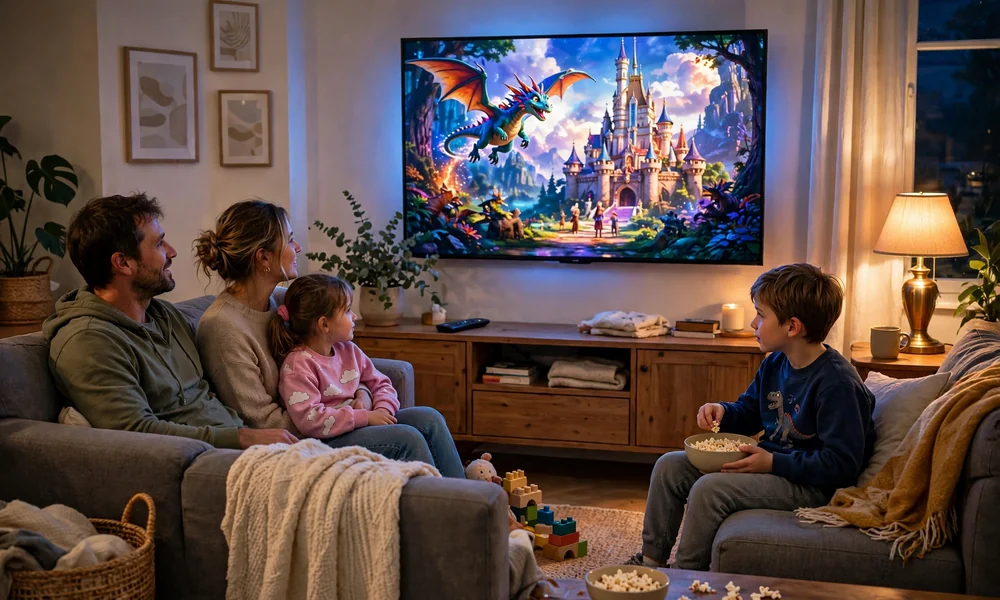
Choosing a quantum dot display comes down to reading the numbers together rather than chasing any single one. Colour gamut decides how rich the picture can be, peak brightness decides how well it survives daylight, contrast decides how deep the dark scenes go, and refresh rate decides how smooth the movement looks.


