You press the power button and the computer is ready before you have finished sitting down. The game you clicked on opens in seconds, not minutes. A file you saved yesterday appears the instant you ask for it. There is no whirr, no click, no vibration at all — the machine is silent, and yet it is reading and writing gigabytes of data faster than you can notice. The secret sits in a little rectangle of circuit board smaller than a stick of chewing gum, and it has no moving parts whatsoever.
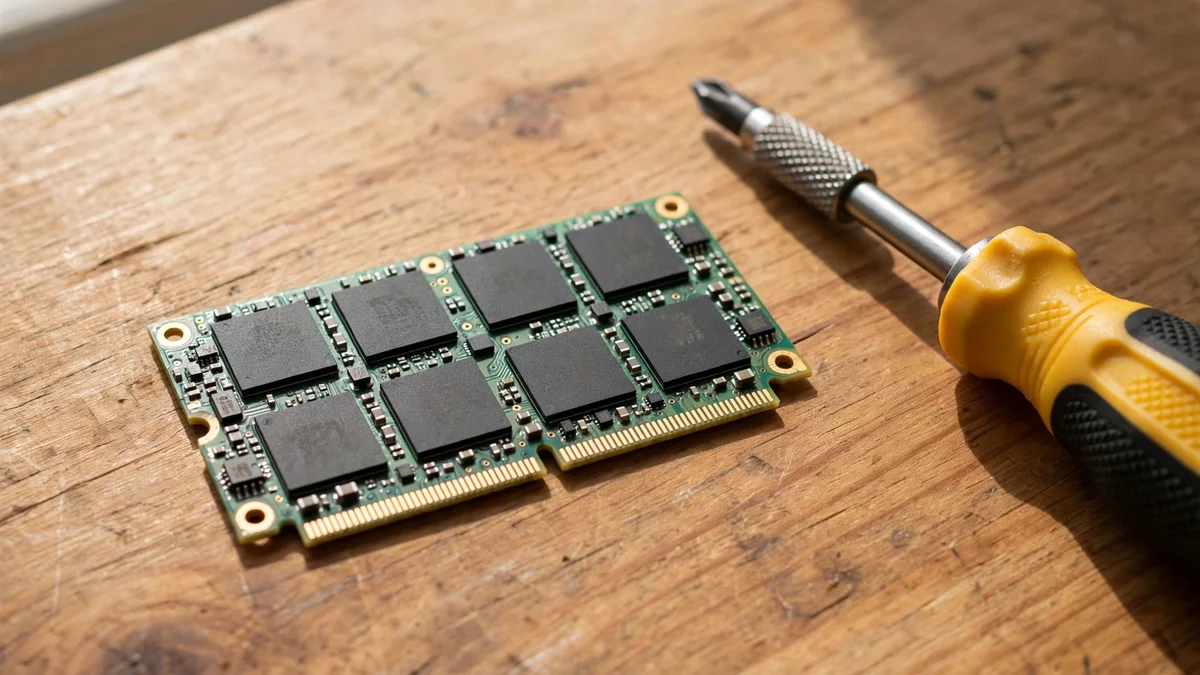
A solid-state drive is the quiet revolution that replaced the spinning hard disk. The SSD stores everything in chips that hold their data with trapped electrons. Nothing moves, nothing wears out by friction, and there is no waiting for a mechanical arm to arrive. This is how a drive with no moving parts finds any file, instantly, among billions.
How a Solid-State Drive Works
Step 1: Data lives in tiny trapped charges
At the bottom of everything are the NAND flash memory chips, and inside each chip are billions of tiny cells. Each cell is a transistor with a special floating gate, a little pocket that can trap electrons and hold them there even when the power is off. Trapped electrons mean one value; no electrons mean another. That is how a drive the size of a postage stamp can hold terabytes: every cell is a tiny, silent vault, and there are billions of them.
Step 2: The controller runs the whole drive
The chips on their own are useless without the controller, a small processor that is the brain of the drive. Every request from the computer goes to the controller first. It decides which cells hold the data you asked for, keeps a map of where everything lives, and translates the computer’s simple requests — read this file, write that file — into the precise electrical operations the memory chips need. The controller is the reason two drives with the same memory chips can perform very differently. How the drive itself is manufactured is told in the guide to how a solid-state drive is made.
Step 3: Reading is instant, with no moving parts
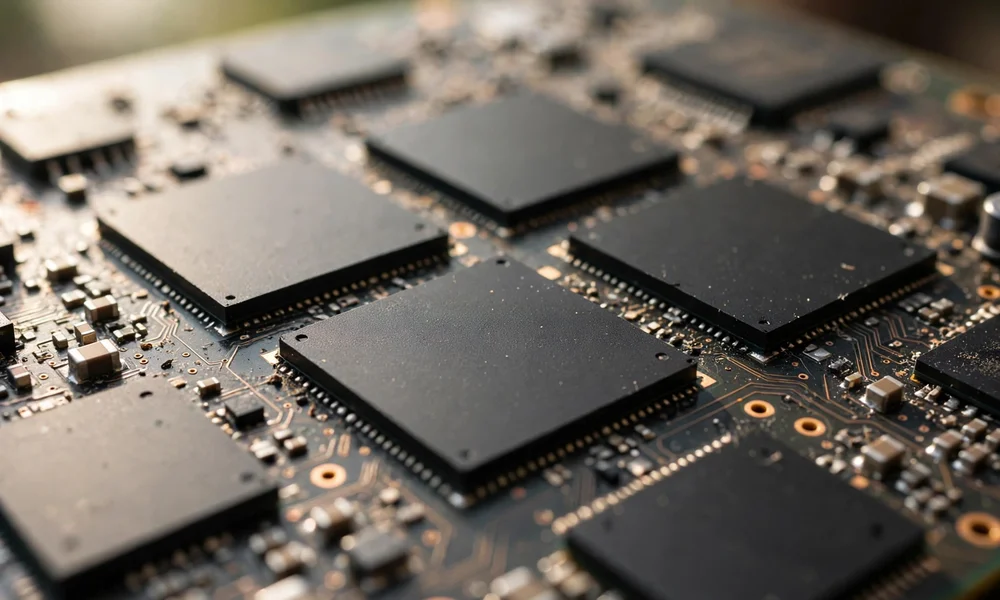
When you open a file, the controller looks up its location in its map and sends a read voltage to the right cells. The cells answer immediately: the ones holding charge conduct differently from the empty ones, and the controller reads off the pattern of bits. That is the silence and the speed you feel every time your computer starts in seconds.
Step 4: Writing takes more care than reading
Writing is the drive’s hard job. A flash cell cannot simply be overwritten like a whiteboard; it must be erased before new data can be written, and erasing happens in large blocks while writing happens in small pages. So when you save a file, the controller reads a whole block, erases it, and writes it back with your changes included — a hidden shuffle that happens thousands of times a day. This erase-before-write rule is also why a nearly full drive can slow down: with fewer empty blocks to work with, the shuffling takes longer.
Step 5: Wear levelling shares the work evenly
Every flash cell can only be erased and rewritten a limited number of times — typically thousands — before it wears out. Wear levelling stops that. The controller constantly rotates data around the drive so that every cell gets roughly the same amount of work, and it keeps spare cells in reserve to replace any that fail. It is quiet, invisible maintenance, and it is the reason a modern SSD can survive years of daily use. The factory story behind the drive, from wafer to finished board, is explained in the guide to inside solid-state drive production.

Step 6: The connection sets the speed limit
The drive can only go as fast as its connection to the computer allows. Older SSDs used the SATA connection, the same as hard disks, which tops out around 550 megabytes per second. Modern drives use NVMe over the PCIe bus, a direct high-speed link to the processor, and the fastest of them can read at more than 7,000 megabytes per second — over ten times faster.
Step 7: Error correction keeps your files safe
Flash memory is not perfect. Cells leak charge over time, neighbouring cells disturb each other, and a read can occasionally return the wrong bit. The controller fights this with error correction, adding extra check bits to every block of data so that mistakes can be spotted and fixed on the fly. Most of the time you never notice any of this. Your files simply open, correct and complete, because the drive has been quietly fixing its own mistakes all along. The economics of why this silent technology costs what it does are covered in the guide to why a solid-state drive is so expensive.
Solid-State Drive at a Glance
| Specification | Detail |
|---|---|
| Storage type | NAND flash memory cells, no moving parts |
| Typical capacities | From 256 GB to 4 TB in consumer drives, larger in enterprise |
| Read speed | Up to around 550 MB/s on SATA, over 7,000 MB/s on NVMe |
| Access time | Measured in microseconds, roughly 100 times faster than a hard disk |
| Controller | Dedicated processor managing mapping, wear levelling and error correction |
| Endurance | Cells rated for thousands of erase-write cycles, spread by wear levelling |
| Power use | Typically 2 to 8 watts under load, far less than a spinning disk |
| Main uses | Laptops, desktops, games consoles, servers, cameras and phones |
What Does It Cost?
Solid-state storage has fallen in price for years, but it still costs more per gigabyte than a hard disk. As rough estimates, a 1 TB NVMe drive typically costs $60 to $120, a 2 TB drive runs from about $110 to $220, and a fast 4 TB flagship drive can be estimated at $300 to $550. Slower SATA drives are cheaper, and enterprise drives built for servers cost far more. Those figures are estimates, not quotes — the real number depends on capacity, speed, brand and whether the memory inside is the cheaper or the longer-lasting kind.
A Rare Fact
A solid-state drive can remember your data for years with no power at all — but not forever. The trapped electrons in each cell slowly leak away, and a drive left unplugged in a hot place can start to lose data after a year or two. It is one of the few weaknesses of a technology that otherwise seems indestructible: the drive that survives drops, shocks and silence still needs to be powered up now and then to refresh its memory.
The solid-state drive changed computing without most people ever noticing. It made computers start in seconds, games load before the loading screen had finished, and laptops silent and cool. And it did it by removing the one thing every storage device before it had depended on: movement. Nothing spins, nothing clicks, nothing waits. The file is simply there, the moment you ask.


