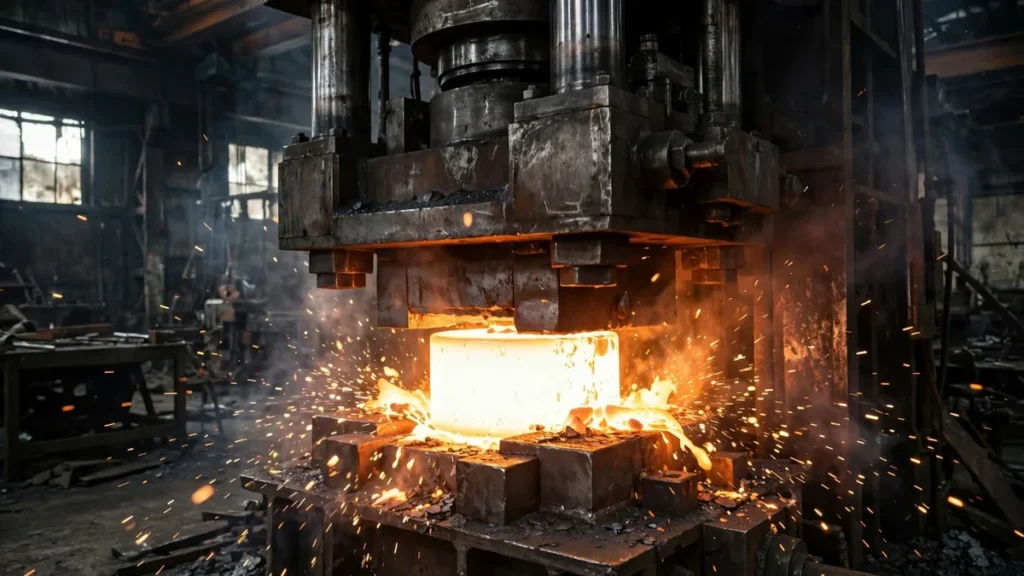
There is a storage device in almost every modern computer that has no moving parts at all. No spinning disc, no read head floating on a cushion of air, no motor at all. It reads a whole film in seconds, survives being dropped, and is smaller than a stick of chewing gum. It is the solid-state drive, and inside it is one of the most intricate pieces of engineering most people will ever own.
An SSD stores your data as trapped electric charge, held in cells so small that billions fit on a chip the size of a fingernail. Building one means growing crystals of silicon, stacking memory cells into towers dozens of layers high, and writing firmware that tracks every byte. It is a process measured in nanometres and counted in weeks.
From sand to a finished drive takes a journey through some of the cleanest rooms on Earth. This is how a solid-state drive is made.

How It’s Made
Step 1: Growing the silicon and making the wafer
Every SSD starts as sand — silicon dioxide, purified until it is almost perfectly pure silicon. The silicon is melted and a single crystal is pulled slowly from the melt, growing into a long cylinder called an ingot. The ingot is sliced into thin wafers, each one polished until its surface is flatter than a mirror and smoother than glass. A speck of dust on a wafer can ruin a chip, so from this point on, everything happens in a cleanroom where the air is filtered a thousand times cleaner than a hospital operating theatre.
Step 2: Printing the NAND memory cells
The wafers are sent through lithography, where ultraviolet light projects the memory circuit pattern onto them, layer by layer. Modern NAND flash is built upwards: memory cells are stacked in towers that can run to more than 200 layers high, like a microscopic skyscraper. Each layer is etched, coated, and inspected before the next is added, and the whole process can take months for a single wafer. A wafer holds hundreds of NAND dies, each one capable of storing hundreds of gigabytes. The factory work behind this stage is laid out in inside solid-state drive production, where the cleanroom process is described in full.
Step 3: Cutting, testing, and sorting the dies
Once the wafers are finished, they are cut into individual dies and every die is tested. Probes check each memory block for dead cells, and dies are sorted by quality and capacity. The best dies become high-end drives; dies with a few bad blocks are used in cheaper drives, with the faulty blocks mapped out and never used. This sorting is essential, because no wafer is perfect — a small share of dies always fails. The good dies are then packaged into black chips, bonded to a tiny substrate and sealed in resin, ready for the drive factory.

Step 4: Building the circuit board and fitting the controller
At the drive factory, a small printed circuit board is loaded with components by pick-and-place machines. The star of the board is the controller — a processor that decides where every byte is written, corrects errors, and keeps track of which cells are worn. Around it go the NAND chips, a small DRAM cache on some models, and the connector that plugs into the computer. Solder paste is printed, parts are placed at thousands per hour, and the board passes through an oven that melts the solder. The whole board for an M.2 drive is about 80 millimetres long and 22 wide, yet it holds more storage than a roomful of hard drives from twenty years ago.
Step 5: Writing the firmware and formatting the drive
Hardware alone does not make an SSD. Each drive is loaded with firmware — software baked into the controller that manages wear levelling, spreading writes evenly so no cell wears out early, and error correction, fixing flipped bits before they corrupt data. The drive is formatted, bad blocks are mapped out, and a small portion of the capacity is set aside as spare, so the drive can replace worn cells over its life. Firmware is also what makes one drive faster than another with identical chips: a better controller and smarter code can double real-world speed. The chemistry of the cells themselves has a cousin in how the solid-state battery is made, where layered solid materials replace liquids in a similar way.
Step 6: Testing every drive before it ships
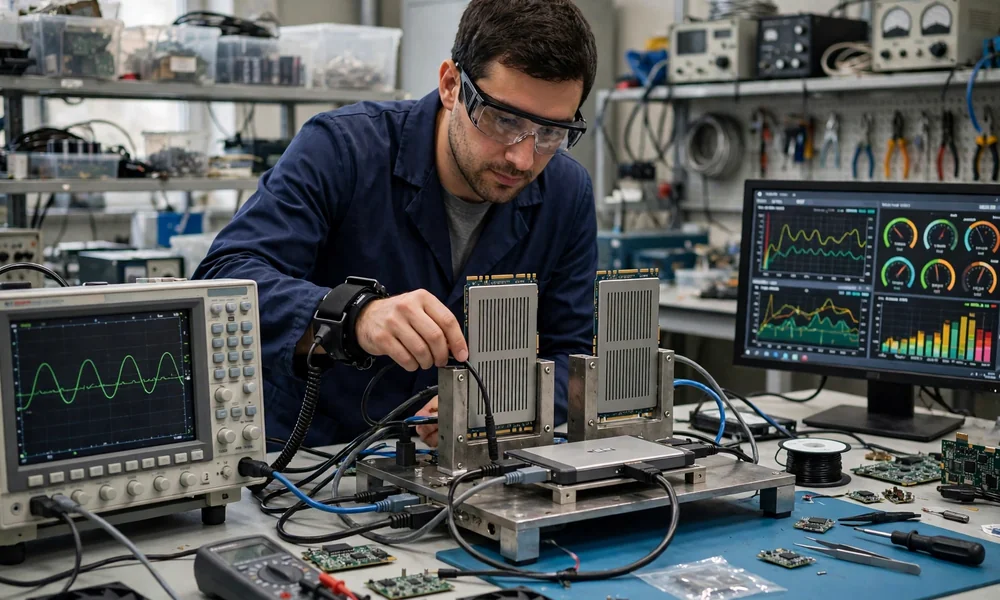
Before boxing, every SSD is tested. It is plugged into a rig, filled with data, read back, and checked for errors, while its speed is measured against the model’s specification. Drives are run through burn-in cycles — hours of continuous writing — to catch early failures, because a drive that fails in its first week is far more likely to be a manufacturing defect than one that fails years later. Only drives that pass every test are labelled, boxed, and shipped. A single failed test sends the drive back for rework or to the scrap bin, which is one reason SSDs cost what they do, as why the solid-state drive is so expensive explains.
| Main material | Silicon NAND flash chips on a fibreglass printed circuit board |
| Memory type | 3D NAND flash, stacked in towers of 200 layers or more |
| Typical capacity | 500 gigabytes to 4 terabytes in consumer drives |
| Read speed | Up to around 7,000 megabytes per second on fast NVMe drives |
| Form factor | M.2 2280, about 80 millimetres long and 22 wide |
| Moving parts | None — data is stored as trapped electric charge |
| Manufacturing time | Several months from wafer start to finished drive |
| Testing | Every drive is filled, read back, and burn-in tested before shipping |
What Does a Solid-State Drive Cost?
A 1-terabyte consumer SSD is estimated at roughly $60 to $120, with 2-terabyte and 4-terabyte models estimated at $120 to $400, depending on speed and brand. Enterprise drives built for data centres cost far more — thousands of dollars — because they use higher-grade NAND and are rated for vastly more writes. Prices have fallen steeply over the past decade as factories scaled up, but they still swing with the silicon market: when memory is scarce, prices climb within weeks. For most buyers, the drive is one of the cheapest upgrades that makes a computer feel dramatically faster.
A Rare Fact
The first flash memory was invented in 1980, and early flash chips could store only a few kilobytes — less than a single modern photograph’s thumbnail. The leap came when engineers learned to stack cells vertically instead of shrinking them sideways, turning a flat chip into a tower. Today, a single NAND die can hold a terabyte, and the cells are so small that a speck of dust is a mountain beside them. The drive in your laptop holds more data than every computer on Earth combined could store in 1980 — and it fits on a strip of board smaller than your finger.
The solid-state drive will never be the part a computer owner thinks about. It has no sound, no motion, no visible drama. But every instant start-up, every file that opens before you finish clicking, and every game that loads in seconds comes down to trapped electrons in silicon towers, managed by a tiny processor that never sleeps. It is the quietest revolution in computing — and it started as sand.